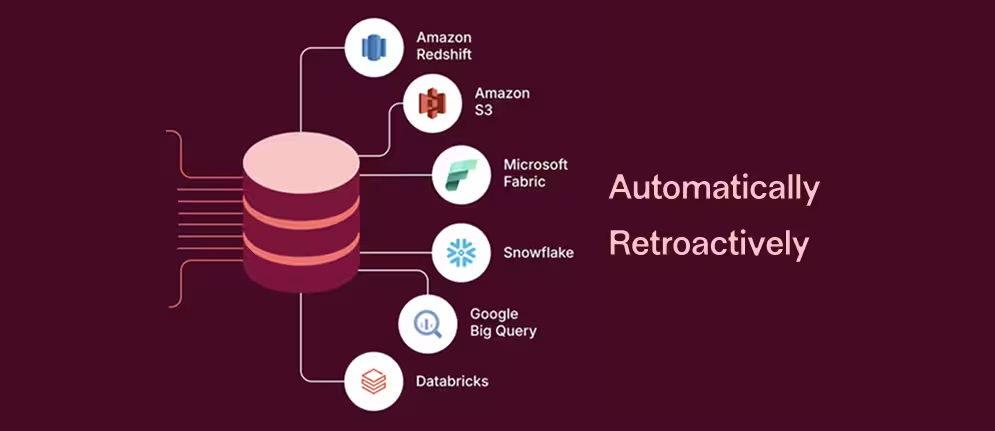
Data Connect - Seamless data export
Overview
Design a new feature for automated data warehouse integration.
Data Connect enables customers to sync behavioral, performance, and error data directly to their data warehouses without engineering work.
Role
Hands-on product design director.
I was responsible for the design vision and the crafting.
I worked on aligned outcomes and frequent feedback with a Product manager and a senior engineer to scope and to deliver.
Goal
Our Export API was hitting limits — not scalable enough for our customers, and we were losing ground to competitors. Our main goal: get CSQ data into customer warehouses as fast as possible. And make that exported data a key driver for renewal. We had to move fast without just copying Heap Connect.
Approach & process
Design stayed two sprints ahead. This meant we could review work with Product and Engineering before committing to the next iteration. Research pointed to a clear data persona. We explored future enhancements (real-time sync, AI-assisted filtering) but stayed disciplined: "Fast, practical, scalable" shaped every decision from the start.
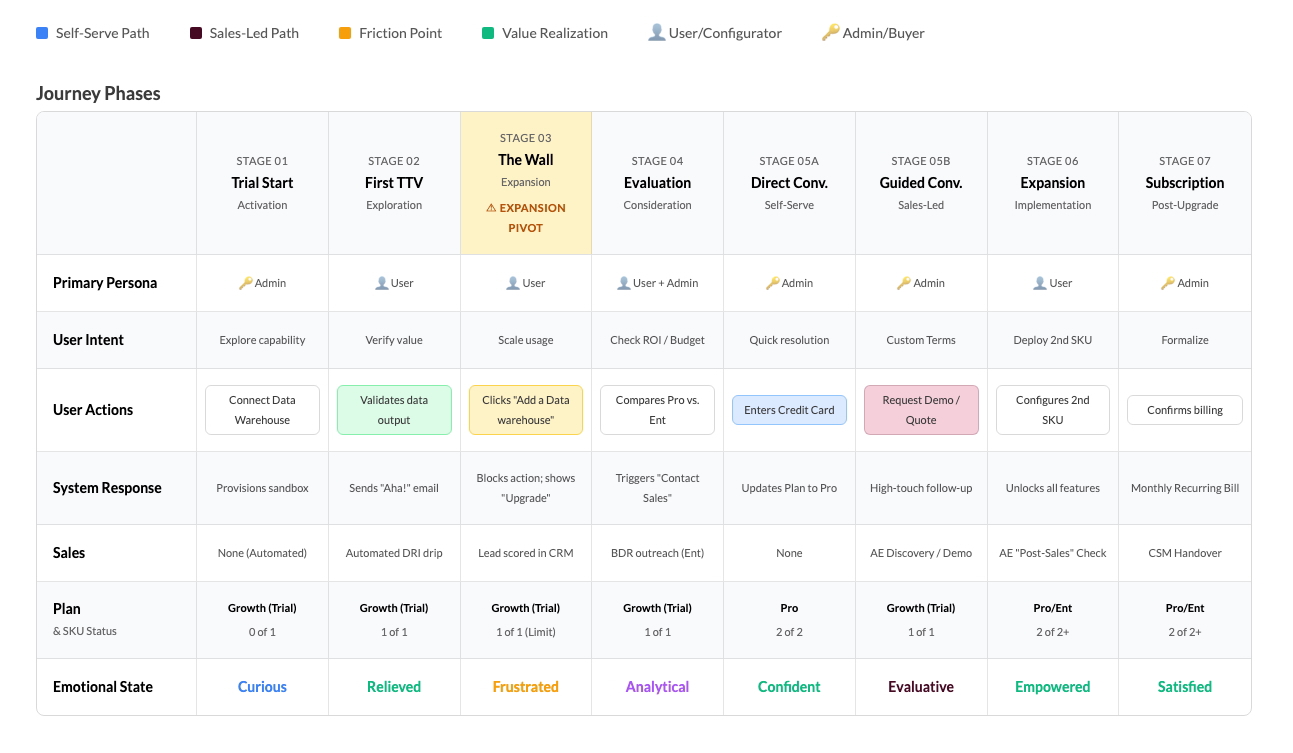
Customer journey map - Learn more
Fast, practical, scalable
The design brief was simple: make setup fast and self-serve. Build for today, but don't close doors for tomorrow (filtering, AI agents, etc.). I settled on three words to guide the work: "Fast, practical, scalable." Every decision ran through that lens.
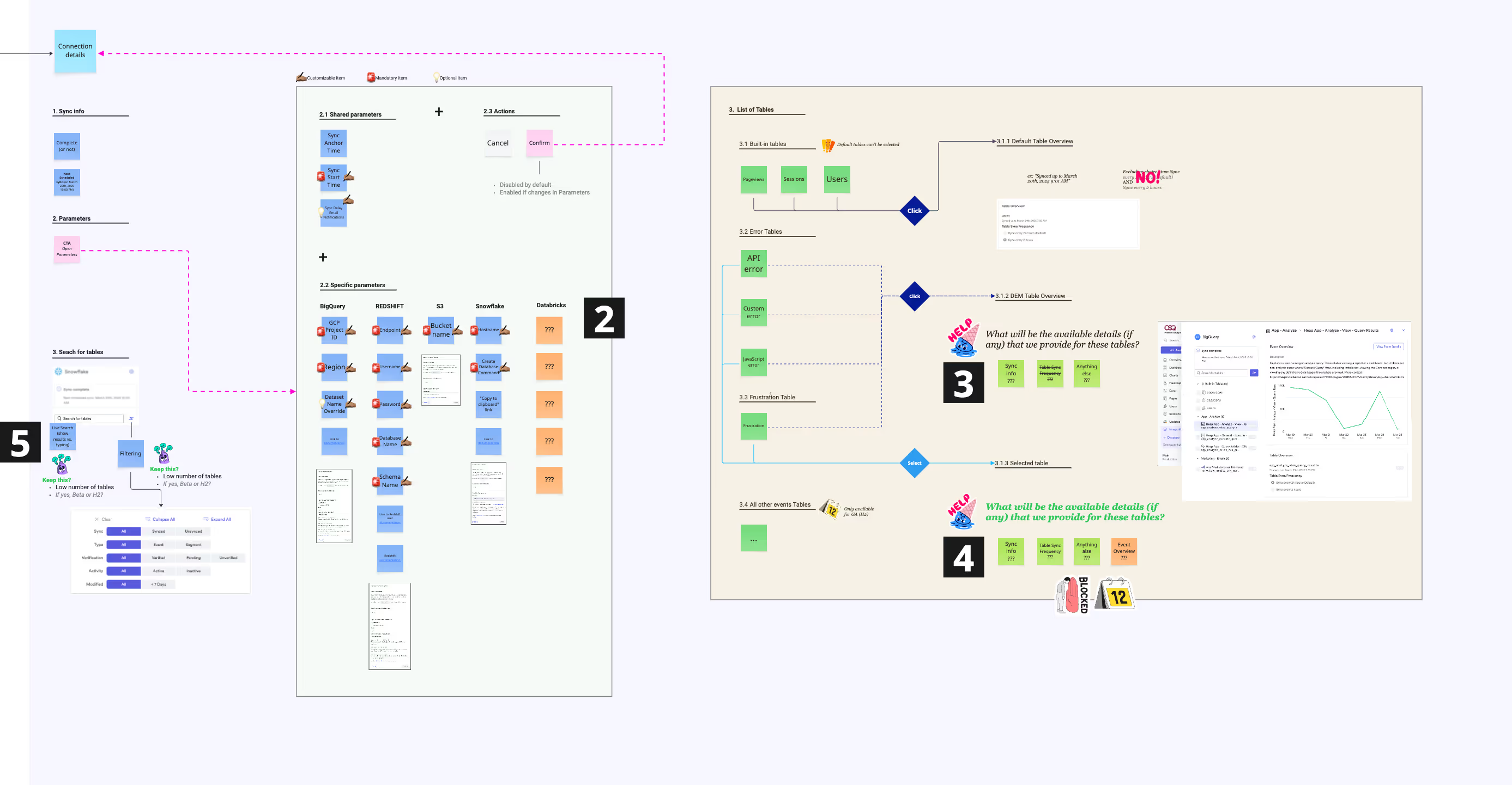
Miro flow + content / To document and iterate with Product Management
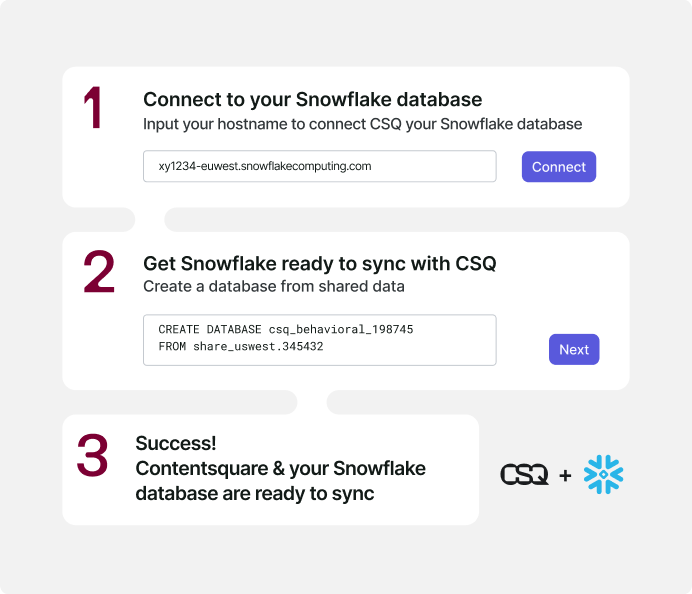
Keep it straightforward and simple...
Trial motion and step-by-step connection flow
First-time setup had to feel approachable. We made the trial accessible from the landing page and offered a no-code, step-by-step form to connect any data warehouse to CSQ. No engineering required.
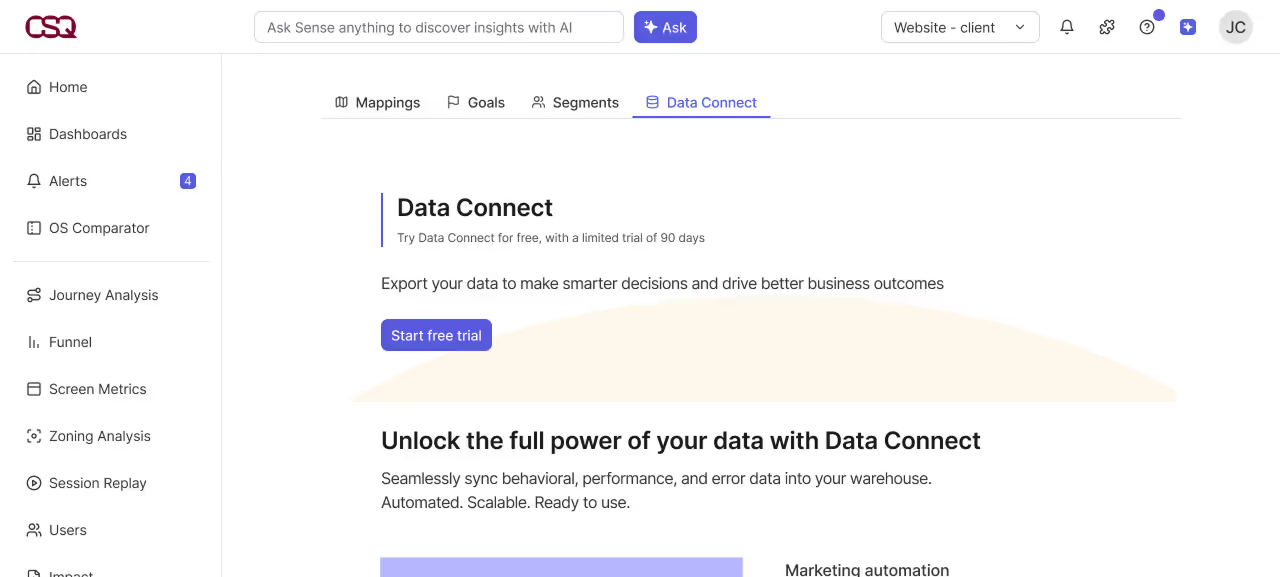
Start free trial
Key Decisions
- Speed first. The initial release focused on a simple, self-serve setup. Get users to their first export fast, refine from there.
- A form-oriented setup interface to replace the previous tedious manual export setup.
- Deeper refinements were scoped for later. Already mapped in the design assets.
- Engineering bandwidth was limited at every launch. This pushed design and PM to think differently about scope. We agreed on the full system first, then cut it into parts that each shipped value on their own. A construction kit, not a feature.
Exported data
Users can choose the granularity level of the exported data tables before any automated daily sync.
All tables in a category can be switched off at once.
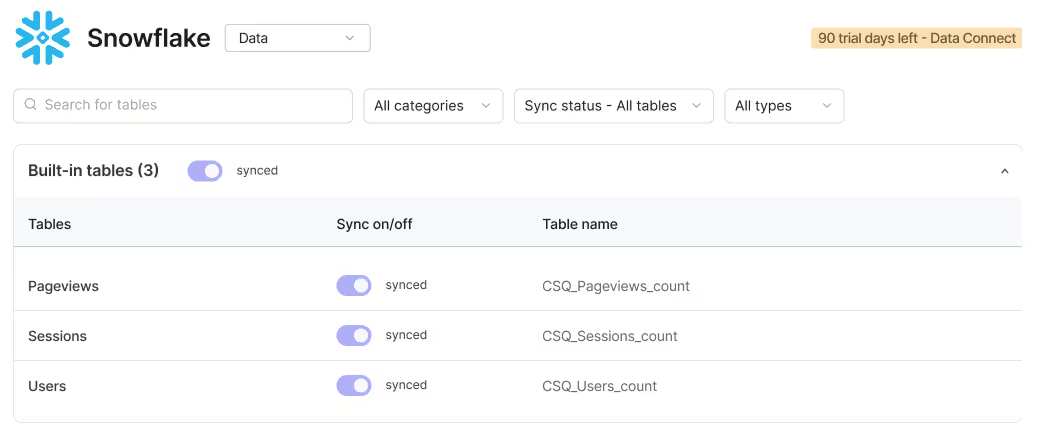
Exported data + granularity
Progressive rollout & seamless implementation
Staying two sprints ahead of engineering meant the team could always pick up the next iteration without waiting. It also created space to explore directions that weren't committed yet. Engineering can already pick design-ready iterations anytime.

Filters to be engineered in Q4 2025
One trade-off
Data Connect lives inside Analysis Setup, alongside Segments and Mappings. Navigation between sub-sections uses tabs.
The better solution was a dedicated landing page for Analysis Setup with direct links to each sub-section.
It would have removed a tab pattern inconsistent with the rest of the product.
We shipped without it.
The fix touched shared architecture across three sections simultaneously. The launch timeline made that risk unjustifiable.
The navigation inconsistency was documented and handed off as a V2 item.
➡️ Results
→ User interface and experience capabilities required for both open-beta and production readiness were completed ahead of the committed milestone.
→ 24 organizations transmitted synchronized datasets through Q2 2025; it confirms traction.
Success of open Beta Launch (Spring)
- 234 customers signed Terms & Conditions.
- 24 actively syncing by mid-2025.
- Dior, Iberostar, Schneider Electric, Spotify and others
- For more than ACV $5M
Examples of key use cases
- Call center reduction analysis
- Automated Digital Experience Score reporting
- A/B testing prioritization automation
Want to discuss this?
Other case studies
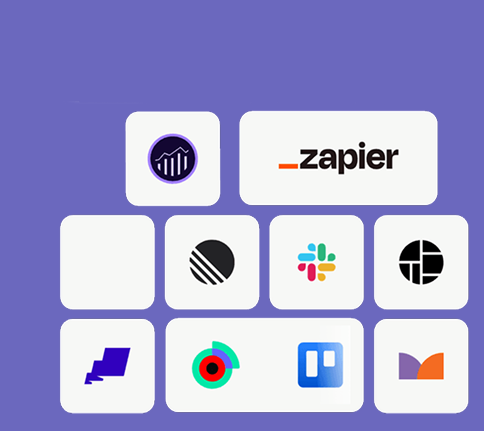
Integration catalog
Contentsquare
Boost usage and retention with a merged and enhanced catalog of integrations.
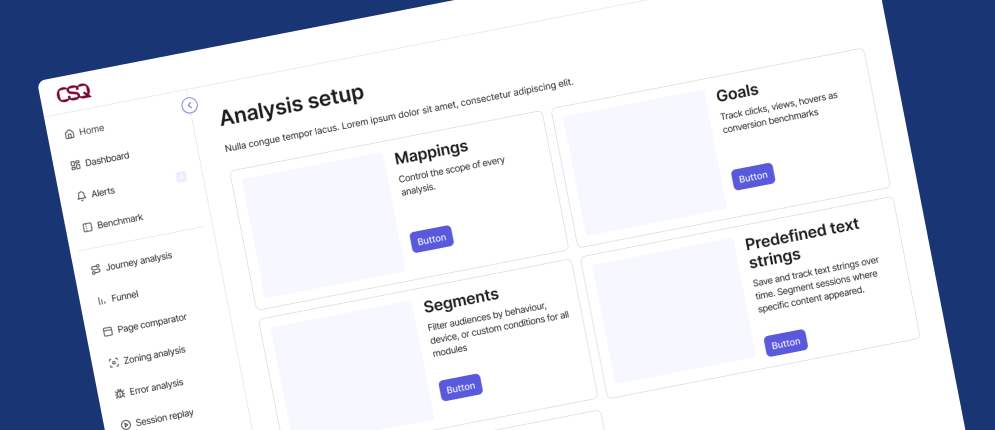
Analysis Setup Navigation
Contentsquare
The navigation problem Data Connect exposed, and the decision made to ship without fixing it.
Design sprint: MaaS
Renault Digital
A few days to help pushing forward Renault's Mobility-as-a-Service strategy.